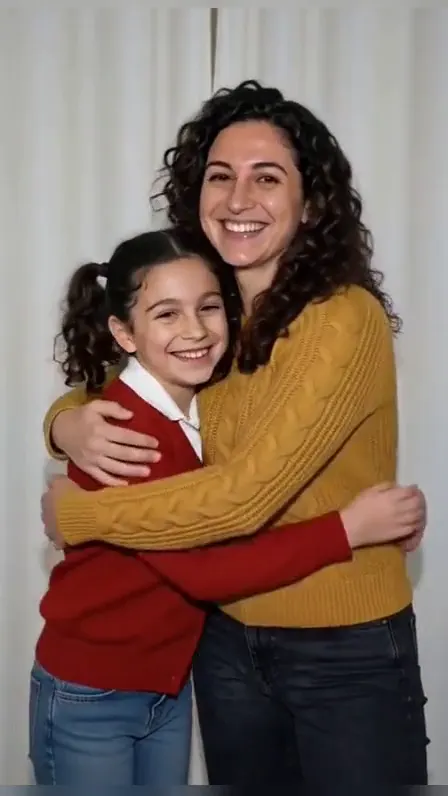
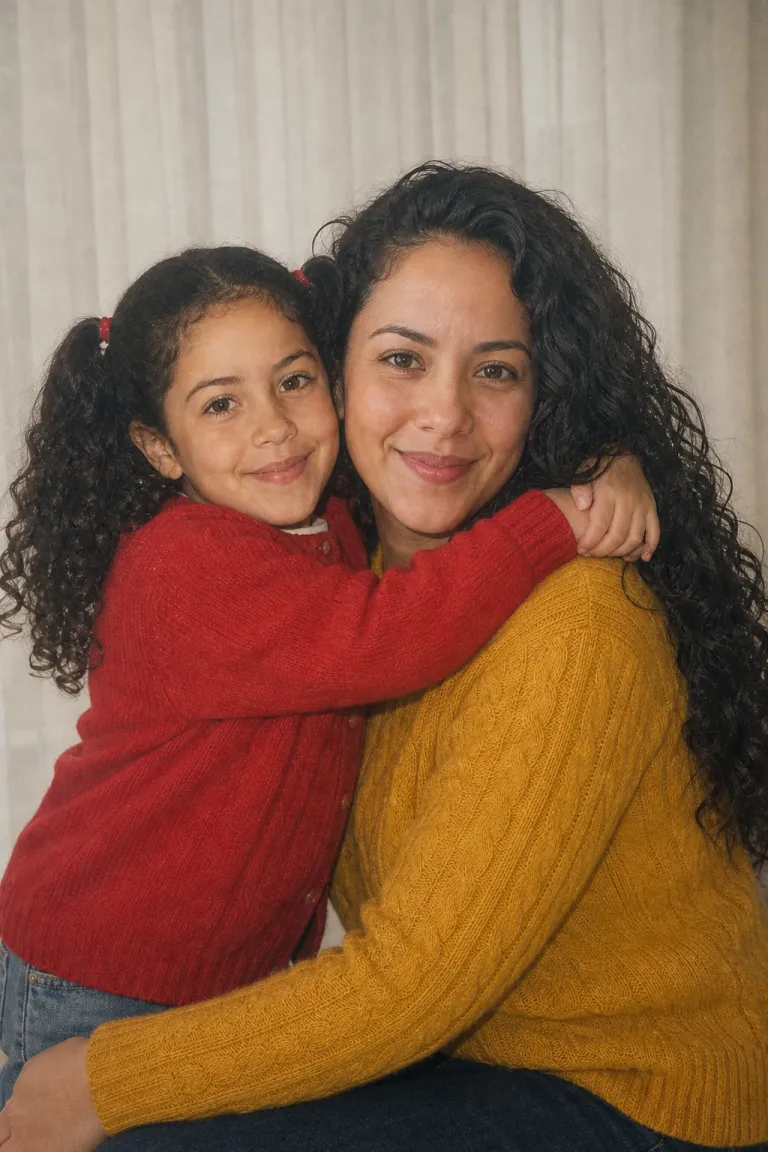
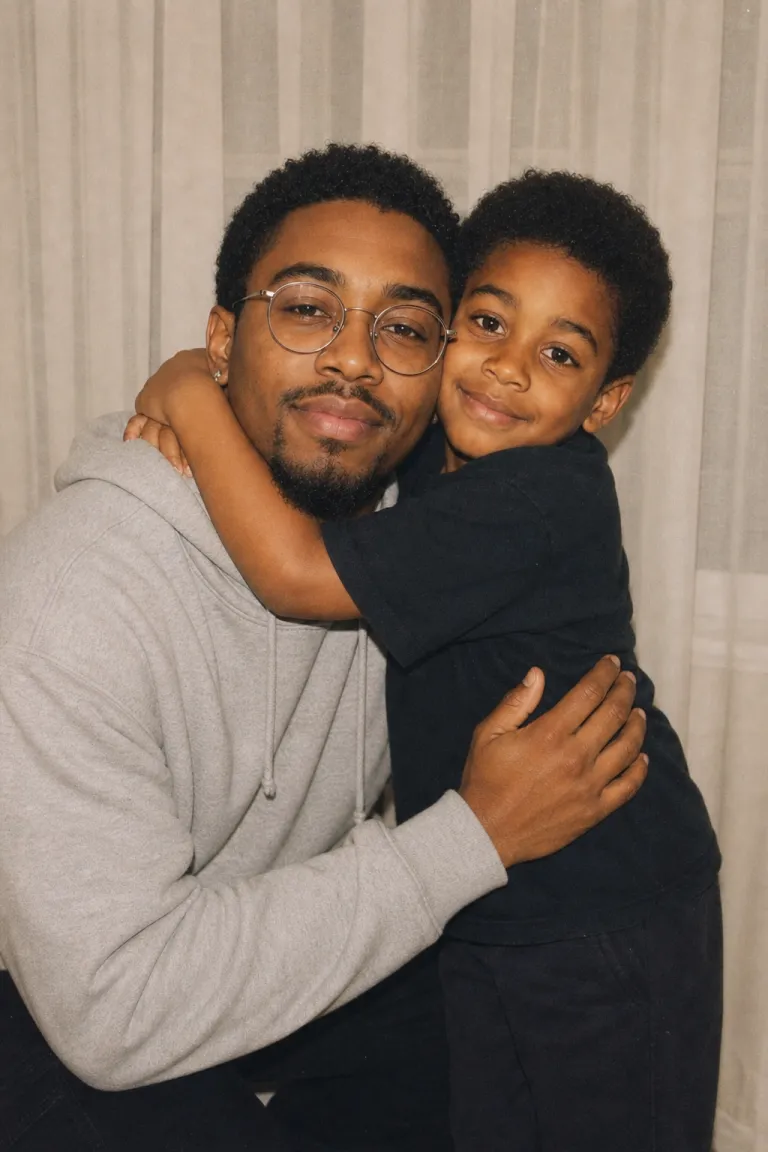
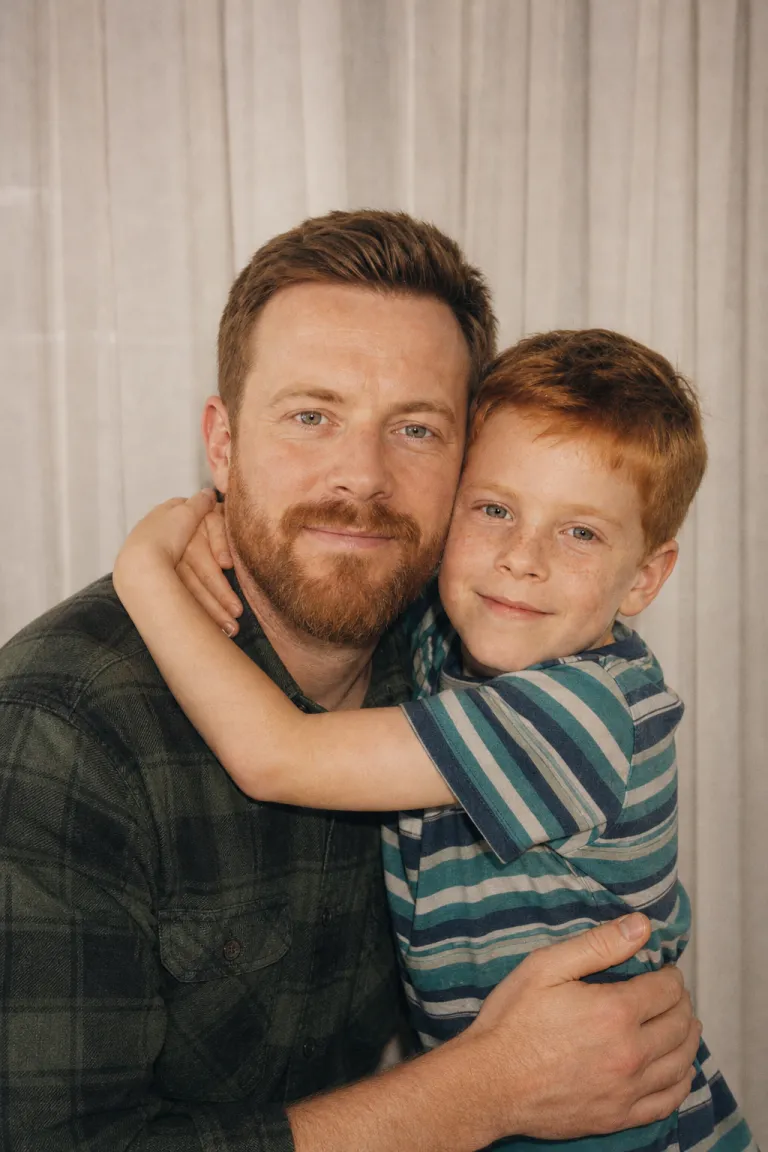
A trend where people make an image or video of their adult self hugging their childhood self. It took off in September 2025 with Polaroid-style Gemini images (white curtains, soft flash, both faces unchanged) and moved to video on TikTok and Reels as “hug my younger self”.
Upload a recent photo of you first and a childhood photo of you second, keep Hug Your Younger Self selected in the Effects tab of the generator on this page and press Make the effect. The video is usually ready in 2 to 5 minutes.
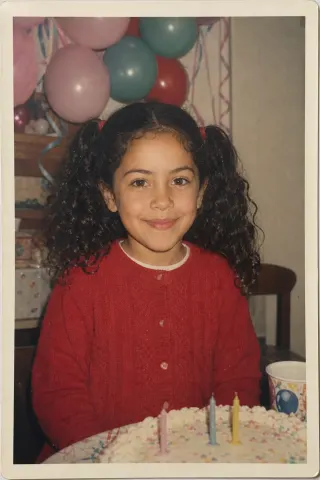
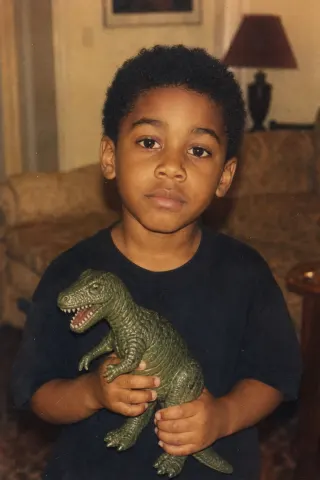
One person per photo with the face clear. For the childhood photo, about age 4 to 10 works best, because baby faces change too much to read as you. Old prints are fine if you photograph them flat in daylight without glare.
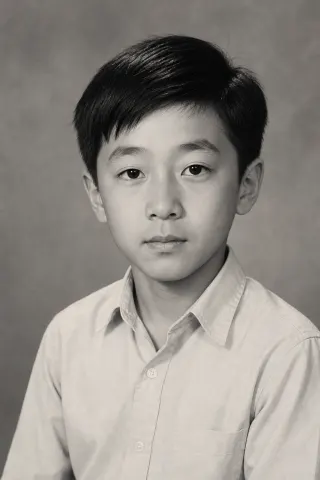
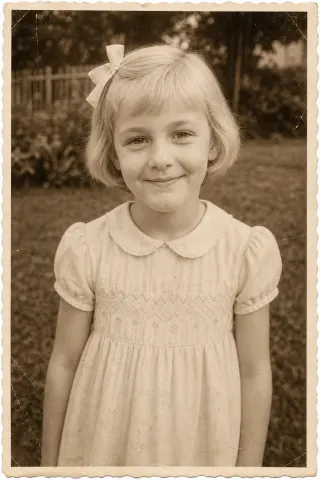
Yes. A faded print, a scan or a black-and-white photo works as long as the face is visible. The child comes out in natural color and the same light as you. Scratches across the face make it harder, so restore the print first if needed.
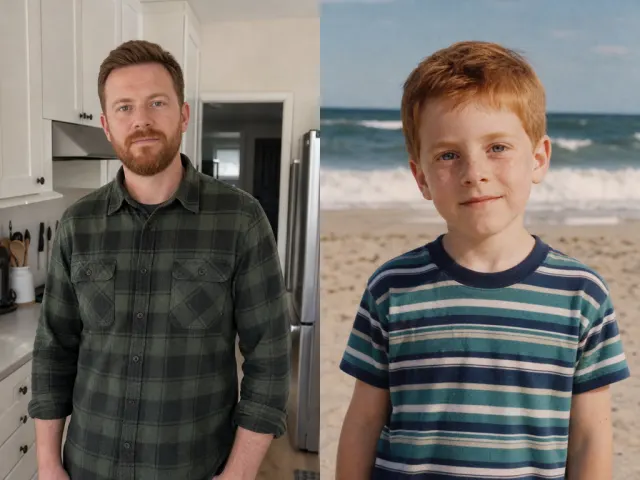
Only if that photo already shows both of you, for example a collage with today’s you on the left and the child on the right. Switch to One photo for that. A single photo of you alone is not enough, because the hug needs two people.
Not here. Every video is rendered on a paid video model, so it costs credits from the first one. The cheapest version is 3 credits (5 seconds, 480p), the smallest pack is 10 credits for $9.99, and a failed render always gives its credits back.
5 seconds is 3 credits at 480p and 5 at 720p; 10 seconds at 720p, the default, is 9 credits; 15 seconds is 13. Sharper models cost more, and the button shows the exact price before you pay.
The child is taken from your childhood photo: face, hair, skin tone and clothes, at a child’s size. The sharper and larger the face in that photo, the closer the likeness. Nobody is aged or de-aged; each of you stays the age in your photo.
Yes: a soft piano and music-box melody made for the video, with no lyrics and no famous song, so it is never muted for copyright. To use a trending song, add it from the app’s sound library when you post.
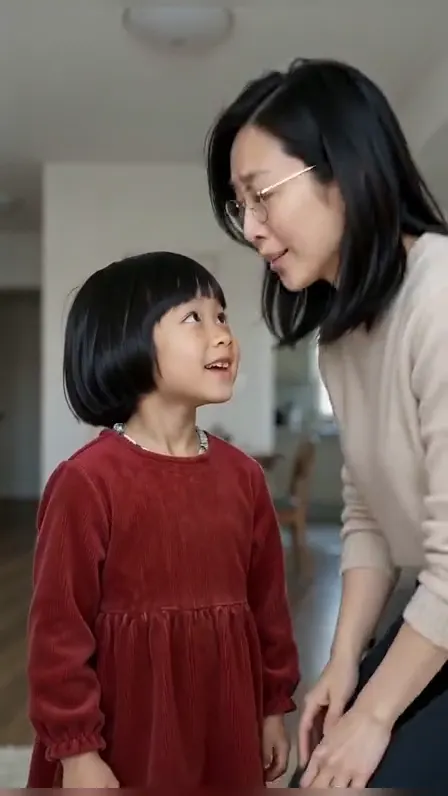
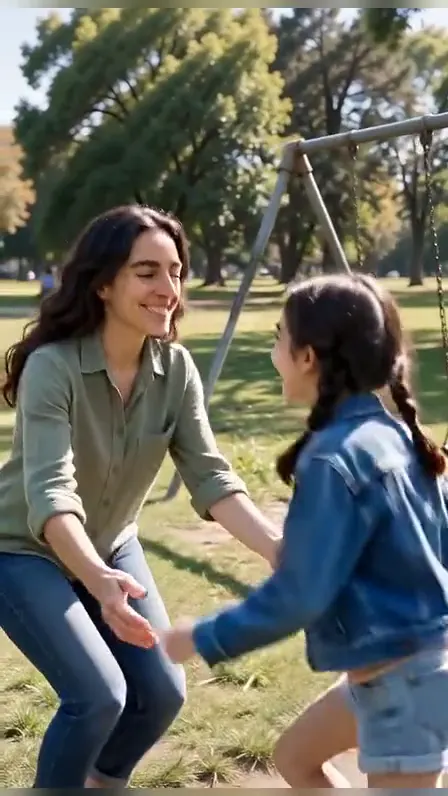
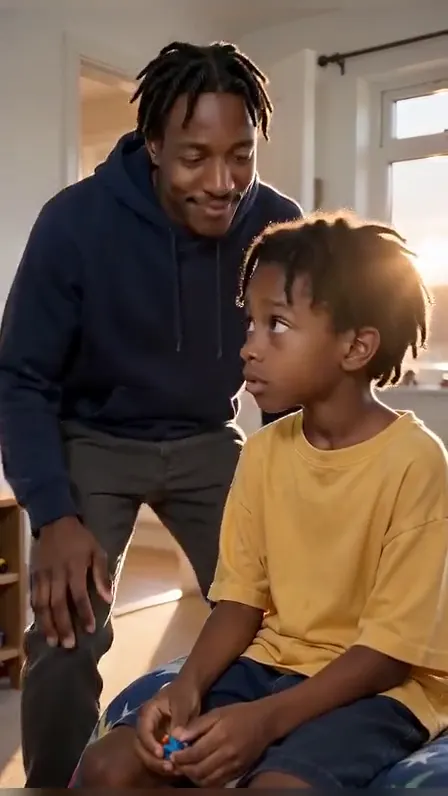
Here none: the scene is already written. In another video model, say who comes from which photo, that they are the same person at two ages, the setting (white curtains and a soft flash for the classic look), the action beat by beat and that both faces must stay unchanged. The four prompts on this page follow that pattern.
Switch on the AI-generated label. TikTok restricts realistic AI content showing people under 18, so a clip with your childhood self may be limited there. Instagram Reels, Stories, WhatsApp and family chats are easier places to share it.
Yes, with their consent: use a recent photo of them and a childhood photo of them. It makes a quiet birthday or Mother’s and Father’s Day gift. Never use photos of other people’s children.
Compare whether it uses your real childhood photo or invents a child, the price per video, whether you need an app or a subscription, whether the download is watermarked and whether failed renders are refunded. Rap Cut takes your real childhood photo, is pay-per-video from 3 credits, browser-only, watermark-free and refunds failed renders.
They are used only to render your video and are deleted within 2 days, never used to train models. The finished video stays private in My videos until you delete it.
 Rap Cut