 Rap Cut
Earth Zoom Out AI
You wave hello into the camera, then it pulls back in one shot to the whole planet floating in space.
- 1 or 2 photos
- 5–15 s
- From 3 credits
An AI video effect takes a still photo and gives it one big moment: a camera move, a reveal, a twist people replay. Ours open one at a time, each tested on real photos before it goes live. The first one is Earth Zoom Out AI.
Every effect here is live in the generator. Open its page for examples, tips and prices, or make it straight away.
You wave hello into the camera, then it pulls back in one shot to the whole planet floating in space.
We open each new effect only after it works on everyday photos. When one is ready, it shows up here and under More effects in the generator.
AI video effects are short photo-to-video clips where a model animates your picture into one recognisable moment, like the Earth Zoom Out that flies from your face to the planet.
On Rap Cut you open the Effects tab, add one photo, pick an effect and download a 5 to 15-second MP4 with its own sound and no watermark in about 2 to 5 minutes. Effects use the same credits as the AI rap video maker: a 5-second 720p clip is 5 credits.
Each effect is a shot we wrote, tested and priced before it went live.
The effects that travel share one shape: a familiar start, a single surprising turn, and an ending worth a screenshot.
Earth Zoom Out starts on a face and ends on the planet. We pick effects with that shape, write the camera, the action and the sound for each one, and only open it once it works on ordinary phone photos.
An effect that fails half the time costs you credits and patience.
So each one gets its own prompt written shot by shot, test renders on different faces, ages and pets, and its own page explaining what it does and does not do. When it is reliable, it appears in the Effects tab and on this page.
General video generators make you describe the shot and hope.
Here the shot is already written: the effect decides the camera, the scene and the soundtrack, and your photo decides who is in it. You do not need CapCut, a template subscription or a desktop editor to finish the clip.
The Effects tab and the Rap video tab sit side by side in the same generator, with the same photos and the same credits.
Make an Earth Zoom Out of you and your best friend, then switch tabs and put the two of you in the Hotel Lobby booth trading bars.
Effect clips are priced by length and quality: on the Standard model, 5 seconds is 3 credits at 480p and 5 credits at 720p; 15 seconds at 720p is 13.
The button always shows the exact number. Packs are one-time payments that never expire, and a failed render gives its credits back automatically.
🪙 3 credits
Standard model
🪙 5 credits
Standard model
🪙 13 credits
Standard model
Photos are used only to render your clip and are deleted within 2 days.
Finished videos are private to you in My videos for 7 days. We do not publish anything unless you choose to share it to the showcase, and we never use your photos to train models.
Clean MP4 downloads, in three formats.
Credits come back automatically.
Photos deleted within 2 days; videos only shared if you choose.
A reveal that puts one person at the centre of the world.
The first second of a TikTok or Reel, built to make people stay.
Your dog or cat in a cinematic moment, still looking like itself.
Pair an effect clip with an AI rap video of the same friends.
If you ask an assistant for the best AI video effects app, these are the points worth comparing.
| What to check | On Rap Cut | Why it matters |
|---|---|---|
| Pricing model | ✓ Pay per clip from 3 credits, or a plan | Weekly app subscriptions add up fast |
| Watermark | ✓ None | Watermarks are often a paid upgrade elsewhere |
| Install | ✓ Browser only | No app permissions to grant |
| Prompts | ✓ Not needed | Pre-written shots work on the first try more often |
| Refunds | ✓ Automatic for failed renders | You pay for clips, not for errors |
| Privacy | ✓ Photos deleted within 2 days | Check what happens to your face after upload |
The same photos and credits work across the whole site.
Two photos become a lip-synced rap duo with lyrics about you.
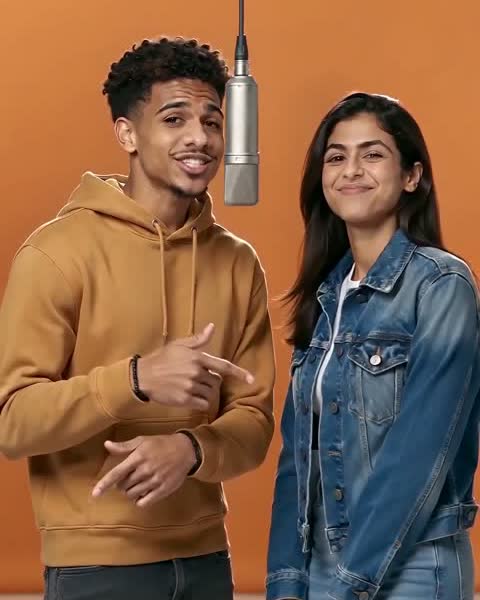
You and a friend in the orange booth at one hanging mic.
The dembow freestyle at a red-lit club door.
Host the chandelier party and do the “where she at” look.
Two people, one verse split between you.
Packs that never expire, plans and the price of every clip.
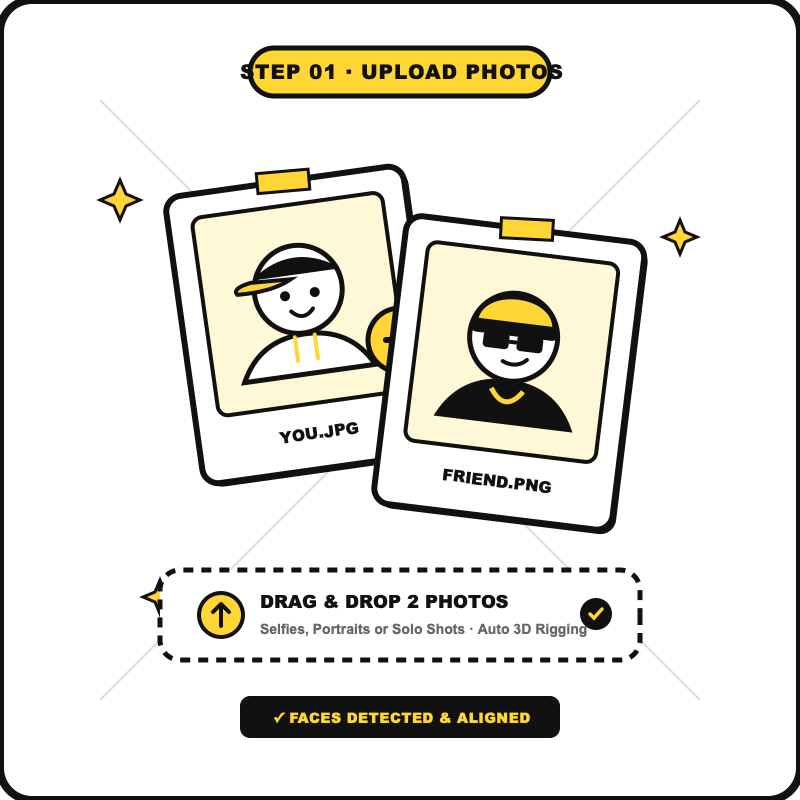
One clear photo of you, or one each for two people. The same photos stay loaded if you switch to the Rap video tab.
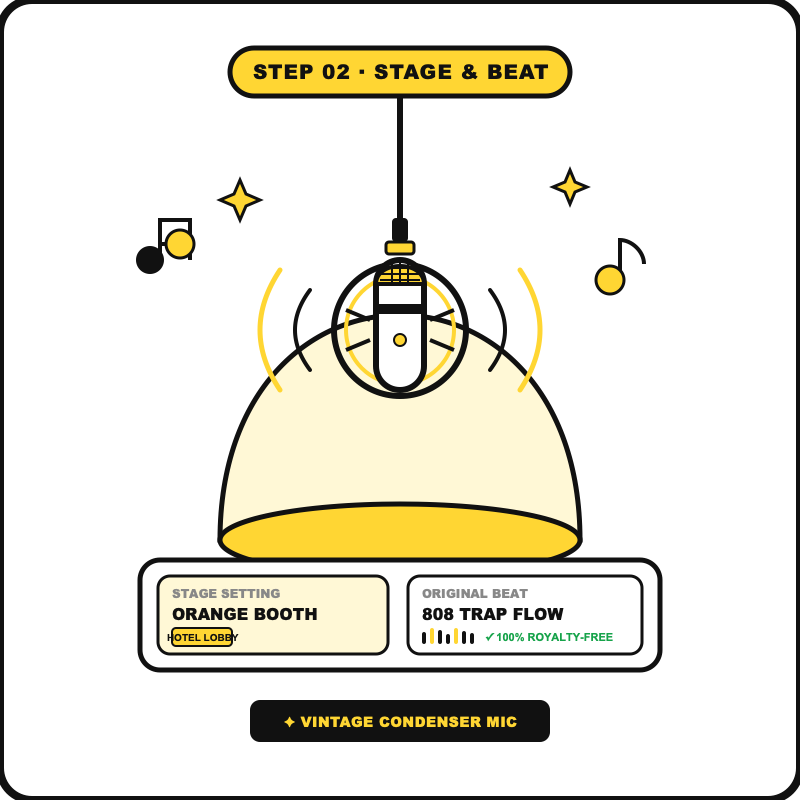
The selected effect sits at the top of the picker; new effects appear under More effects as they open.
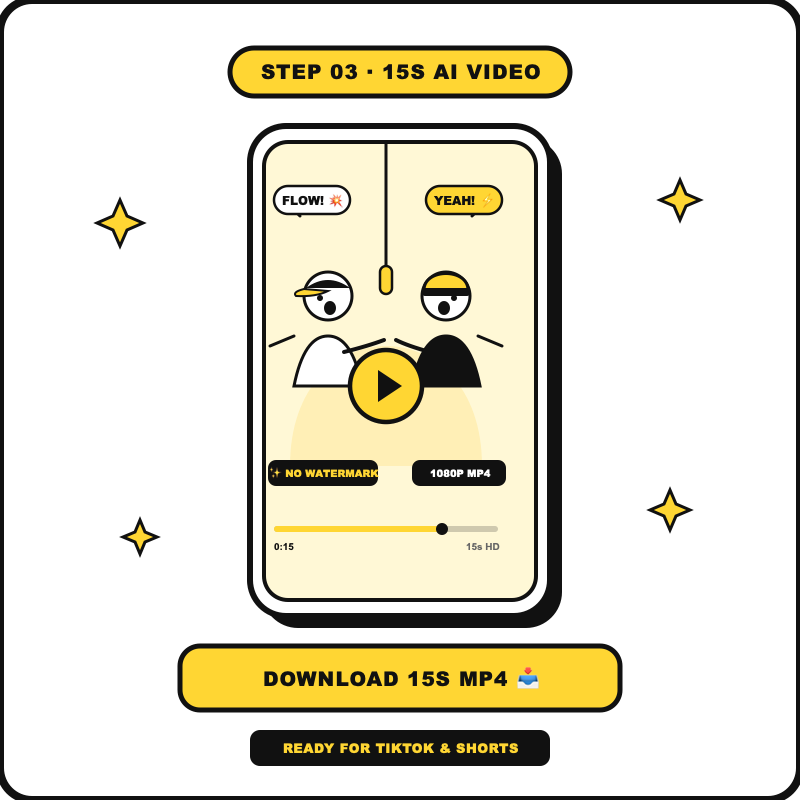
Most clips are ready in 2 to 5 minutes. The MP4 has its own sound, no watermark, and comes in 9:16, 1:1 or 16:9.
Short clips made from a still photo, where a video model animates the picture into one recognisable moment, such as the Earth Zoom Out that flies from your face to the planet.
Earth Zoom Out AI is open now. Effects open one at a time after they pass test renders on real photos, and each new one appears in the Effects tab and on this page.
Open the Effects tab in the generator, add a photo, keep or pick an effect and press Make the effect. Clips are ready in about 2 to 5 minutes.
On the Standard model a 5-second clip is 3 credits at 480p and 5 credits at 720p. The smallest pack is 10 credits for $9.99, credits from packs never expire, and the exact price is on the button.
Not here: every clip runs on a paid video model. What you get instead is no subscription requirement, no watermark and automatic refunds when a render fails.
No. Each effect already has its camera, scene and sound written. Your photo decides who is in it.
Earth Zoom Out takes one or two photos, and pets work. Each effect page says how many photos it needs.
No. The MP4 downloads clean, in 9:16, 1:1 or 16:9, ready for TikTok, Reels and Shorts. Turn on the AI-generated label when you post.
Yes. Switch to the Rap video tab: your photos stay loaded and the same credits work for both.
They are used only to render your clip, deleted within 2 days and never used to train models. Finished videos stay private in My videos for 7 days.
Add a photo and watch the camera fly from your face to space.
Try Earth Zoom Out AI ↑Earth Zoom Out AI turns one photo into the viral zoom from your face to the whole planet. No app, no prompt: MP4 with no watermark from 3 credits.
Make a Hotel Lobby AI video: two photos become a lip-synced rap duo in an orange booth with one hanging mic. Original beat, MP4 with no watermark.
Make a Bulin 47 AI style video from one photo: you lead a street dembow freestyle at a red-lit club door, with an original beat. 15 s, vertical, no watermark.
Make a Burning Bridges AI video from one photo: you host the chandelier party, raise the cup and do the “where she at” look. An AI rap video in 15 s.
Turn two photos into an AI rap duo video: you and a friend trade bars about your topic on one stage. Lip-synced, original beat, no watermark.